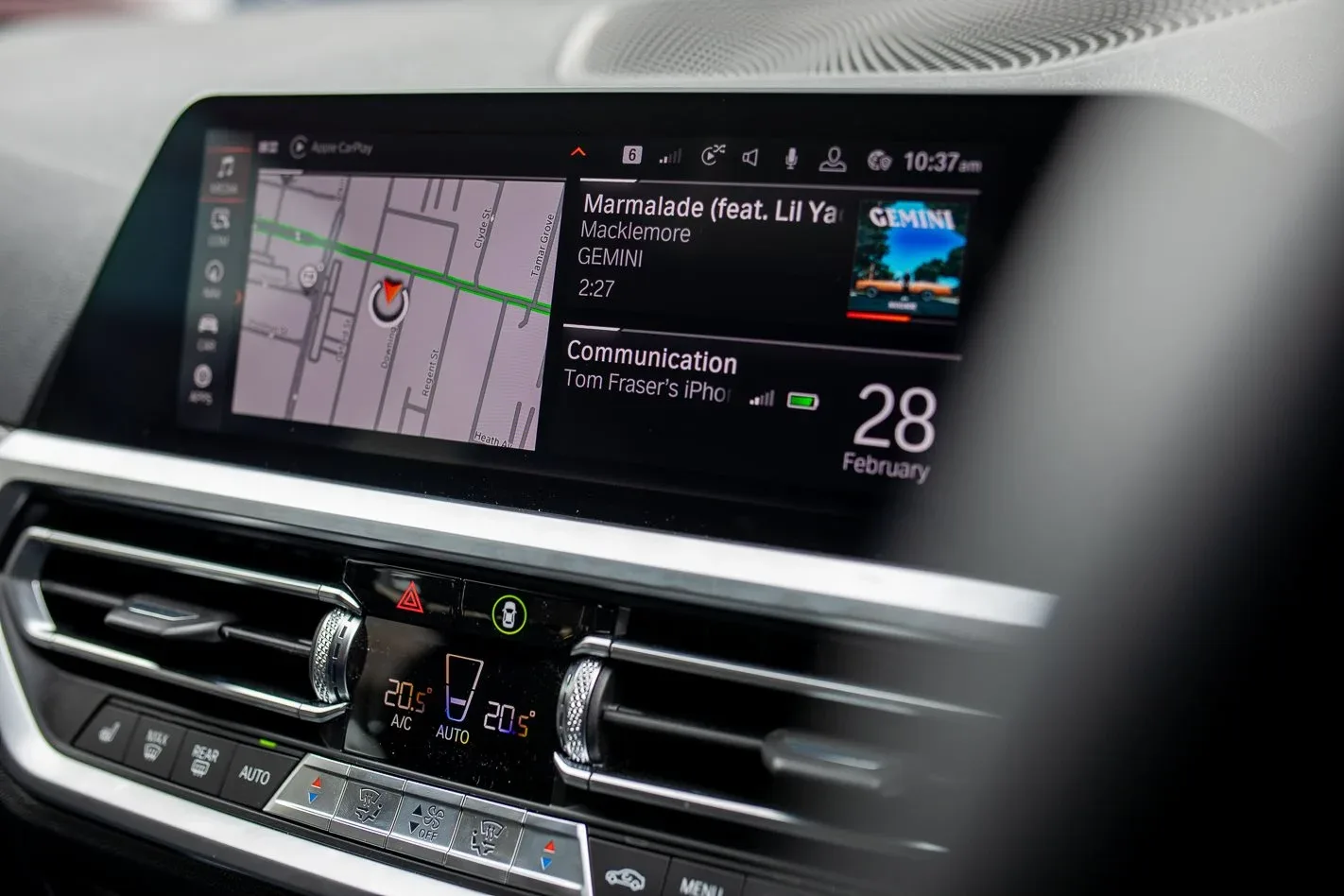
How to Identify Your BMW iDrive Map Version
BMW maps come in 10 versions and they aren't interchangeable. Here's how to find yours from your iDrive in 30 seconds.
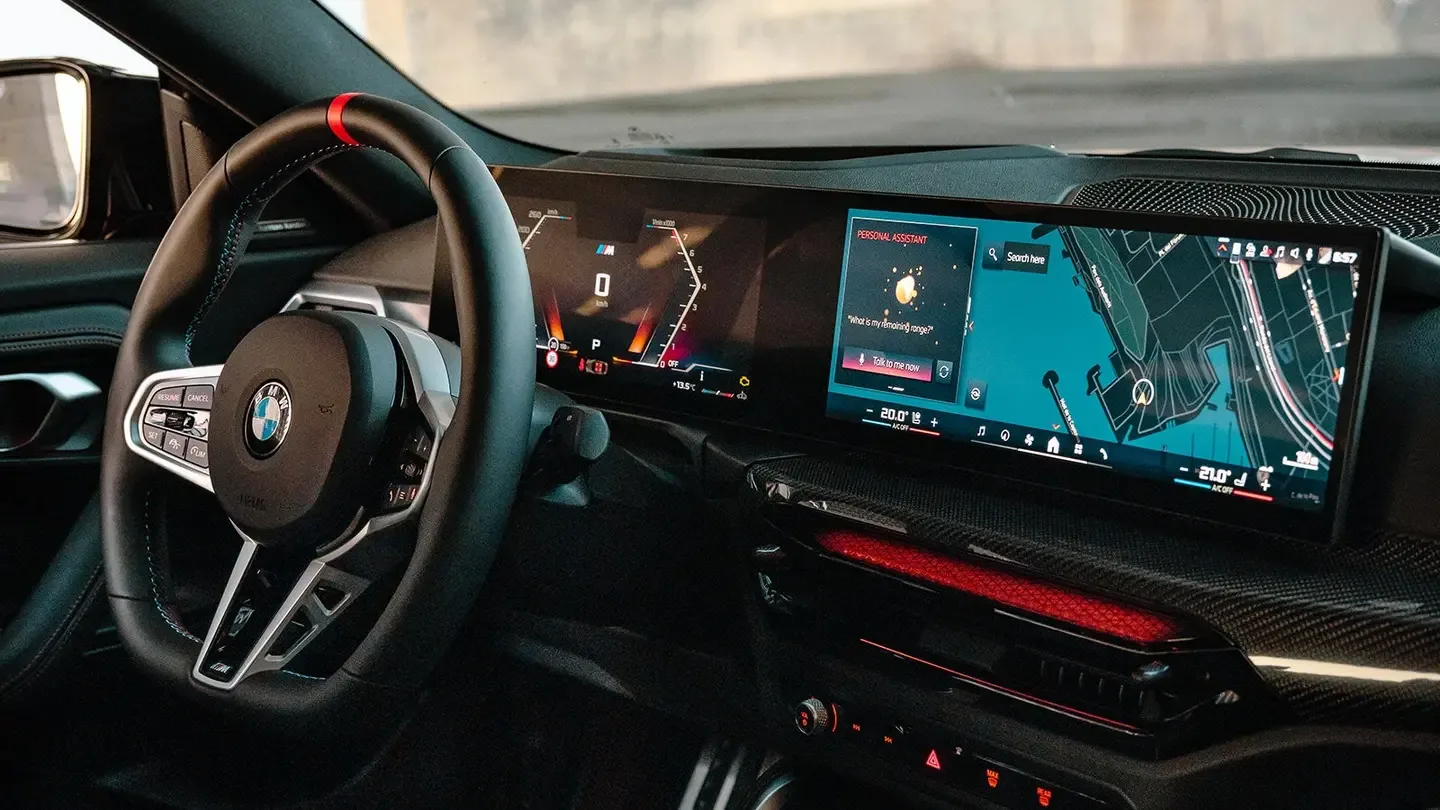
BMW navigation maps come in ten different versions — PREMIUM, MOVE, MOTION, NEXT, WAY, ROUTE, EVO ID4, EVO ID5/6, JOY and LIVE. Each version has its own update cycle, its own FSC code format, and none of them are interchangeable. Buy the wrong version and you've paid for a map your car will refuse to install. Here's how to find yours in under a minute.
The 30-second check from your iDrive
Sit in your BMW (or MINI — the procedure is identical) and:
- Press the Nav button on the centre console.
- Press the Option button on your iDrive controller.
- Scroll to the bottom of the menu to Navigation System Version.
- Read the version name. It will look something like Road Map Europe Premium 2014-1 or Road Map Europe NEXT 2024-2.
The middle word — Premium, Move, Next, Way, Route, etc. — is your map version. Everything before it is the region. Everything after it is the build year and cycle.
That map version is the only thing that determines compatibility — region and build year are choices you make at checkout. The version is locked to your hardware.
If you can't check from the car right now
Don't have your keys handy or want to verify before you sit in the car? Run the BMW VIN compatibility checker — paste your VIN and we'll identify your head unit and current map version directly.
Why the version is the only thing that matters
Each BMW map version is its own product line:
- They don't share file formats — a Premium FSC code won't activate a NEXT map.
- They have separate update cycles — different versions get refreshed on different schedules.
- They have different region coverage — not every version covers every continent.
Picking the right version is the single decision that determines whether the install will work. Region and build year only matter after the version is correct.
The current BMW map versions
We supply updates for every actively-maintained BMW and MINI iDrive map version:
- PREMIUM
- MOVE
- MOTION
- NEXT
- WAY
- ROUTE
- EVO ID4
- EVO ID5/6
- JOY
- LIVE
Common mistakes when picking your map
- Confusing the build year with the version. 2024-1 is the build stamp; the version is the word in the middle (Premium, Move, Next, etc.).
- Buying the wrong region. Each version ships separate region builds. Pick the one matching where you actually drive — your iDrive only shows the region currently installed.
- Trying to install a different version. A Premium map will not run on a NEXT system, even though both are "BMW maps". The FSC code is version-specific and so are the file structures.
What to do once you know your version
- Pick the matching update on BMW & MINI Map Updates.
- Choose the region that matches where you'll drive.
- Enter your VIN at checkout — your FSC code is generated for that specific car.
- Install via USB. The BMW FAQ walks through the install step-by-step.
Most BMW map updates take 30–40 minutes from USB-in to system-rebooted.
Still unsure?
Run the BMW VIN compatibility checker — paste your VIN, we'll identify your head unit and current map version directly. If anything's unclear after that, contact us before ordering — we'd rather answer a question pre-purchase than process a refund.