Perfect
20 Apr 2026
Works exactly as described very user friendly. Definitely recommend
— Martin

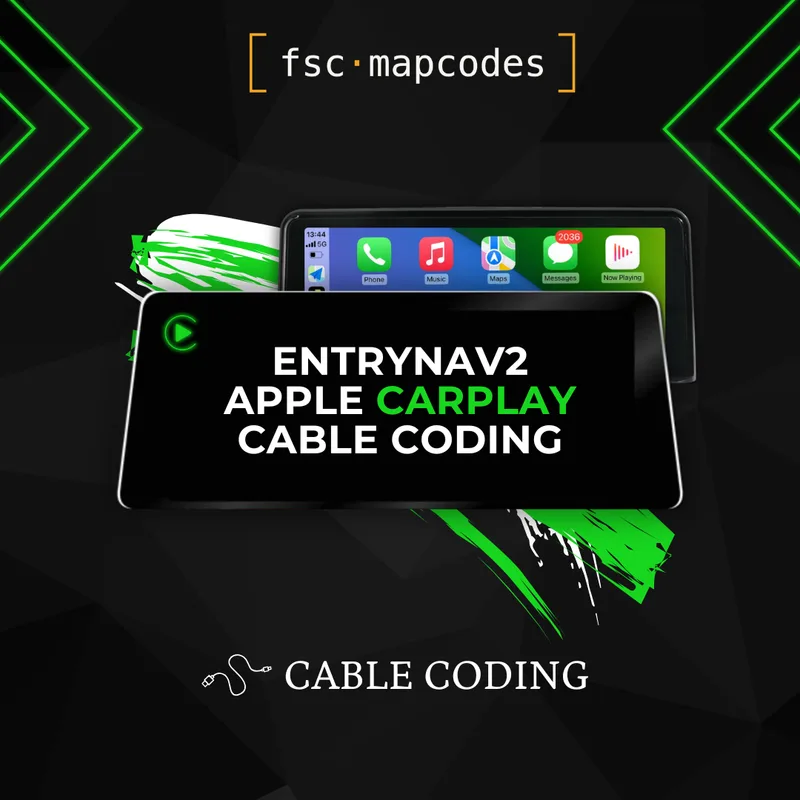
Bring wireless Apple CarPlay to your BMW or MINI EVO ID5 / ID6 iDrive with this cable-coded activation. Once enabled, your iPhone integrates directly into the factory display — full CarPlay functionality on the screen you already own, with no aftermarket modules, dongles, or hardware swaps.
What's included with your activation:
Permanent Apple CarPlay enablement tied to your VIN
By default, CarPlay runs in BMW’s split-screen layout. Fullscreen CarPlay can be enabled on compatible units via add-on. Please ensure your unit supports this feature before purchase.
Detailed, step-by-step coding instructions suitable for first-timers
Email support throughout the process
Why cable coding? On EVO ID5 and ID6 head units, the coding method comes down purely to firmware compatibility. Older firmware revisions accept both USB and cable coding, so either route works. From firmware 18-11 onwards, however, USB coding is no longer supported — Apple CarPlay can only be unlocked through ENET cable coding on these newer versions. That's why this listing is the cable-coded variant: it's the method that works regardless of how recent your firmware is. If your iDrive is running an older revision, our USB activation product is also an option; on 18-11 or above, this is the one you need. The VIN decoder will tell you exactly which firmware your car is on — and it also confirms whether the Wi-Fi port required for CarPlay is present on your head unit, so there's no need to remove the unit to check.
How it works once installed: Connect your iPhone over Wi-Fi and Bluetooth and your iDrive turns into a CarPlay-ready interface. Run Google Maps or Waze on the factory screen, stream music and podcasts from Apple Music, Spotify, or your iTunes library, dictate messages hands-free with Siri, take calls, and access every CarPlay-compatible app — all controlled through the iDrive knob or touchscreen, depending on your spec.
Important — a Wi-Fi antenna must be fitted: Wireless Apple CarPlay on EVO ID5 / ID6 head units relies on an internal Wi-Fi connection, which means a Wi-Fi antenna must be installed in your iDrive for the activation to work. Fitting it is a simple plug-and-play job — the antenna clips straight into the dedicated Wi-Fi port on the back of the unit — but it is a required step. If no antenna is fitted from the factory, you'll need to add one before coding.
Works exactly as described very user friendly. Definitely recommend
Such a quick and easy process, got my code within 30 min of purchasing, definitely recommend to anybody who wants Apple CarPlay for a great price!
the provided instructions were very clear and it worked first time I have also tried what happens if a dealer resets the coding. Reactivating it is very simple. It's basically the same process.
Super !!
Excellent - FAST & EASY - Great support
Easy install