Home/BMW/Apple CarPlay/Apple CarPlay — Fullscreen Add-on for EVO ID5/6 - Cable Coding
Apple CarPlay — Fullscreen Add-on for EVO ID5/6 - Cable Coding
Apple CarPlay

Apple CarPlay — Fullscreen Add-on for EVO ID5/6 - Cable Coding

5.0 · 18 reviews
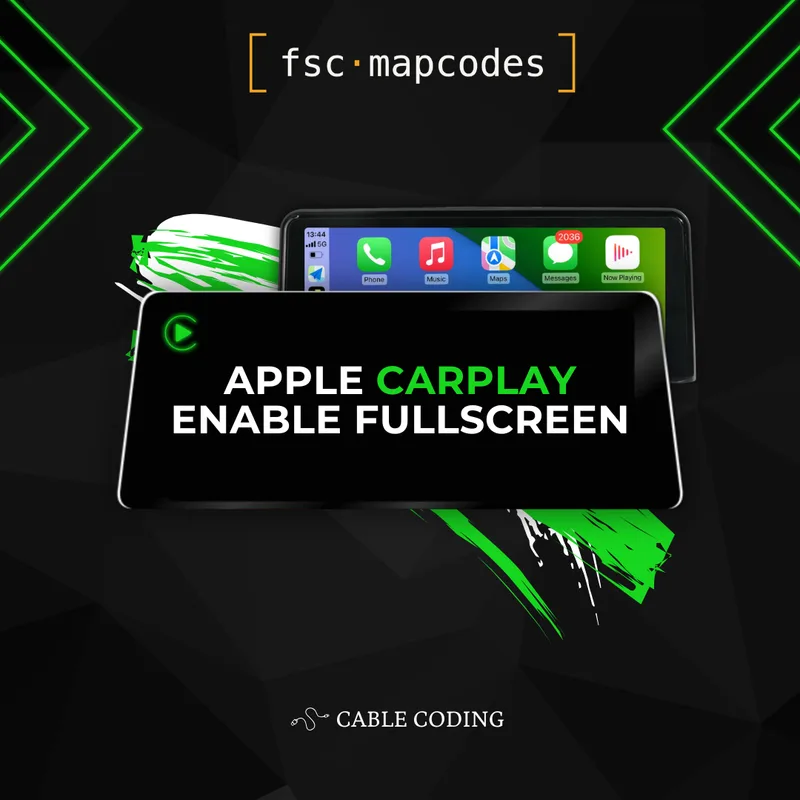
Upgrade your existing Apple CarPlay from split-screen to fullscreen on BMW and MINI EVO ID5 / ID6 head units, enabled through ENET cable coding.
£24.99
Delivered by email
From the BMW database
Secure checkout

Details

Get the most out of your factory iDrive with this Apple CarPlay fullscreen add-on for BMW and MINI EVO ID5 / ID6. By default, CarPlay on these head units runs in a cramped split-screen layout — your apps share the display with BMW's standard side widgets, leaving navigation, music, and messaging boxed into a fraction of the screen. This coding upgrade flips that on its head: your CarPlay apps take over the entire iDrive display, giving Apple Maps, Google Maps, Waze, Spotify, Apple Music, and every other CarPlay-compatible app the room they were designed to use.

What's included with your add-on:

  • Permanent fullscreen CarPlay activation tied to your VIN

  • Detailed, step-by-step coding instructions

Please note: this add-on assumes Apple CarPlay is already activated on your iDrive. If CarPlay isn't yet enabled on your car, you'll need our standard CarPlay activation product first — this listing only changes the display layout from split-screen to fullscreen.

Why cable coding? On EVO ID5 and ID6 head units, the coding method comes down purely to firmware compatibility. Older firmware revisions accept both USB and cable coding, so either route works. From firmware 18-11 onwards, however, USB coding is no longer supported — the fullscreen tweak can only be applied through ENET cable coding on these newer versions. That's why this listing is the cable-coded variant: it works regardless of how recent your firmware is. If your iDrive is running an older revision, our USB-coded fullscreen add-on is also an option; on 18-11 or above, this is the one you need. The VIN decoder will tell you exactly which firmware your car is on.

What changes after coding: The split-screen CarPlay layout is replaced with a true fullscreen interface. Maps fill the display end-to-end, album art and now-playing controls get the space they deserve, and CarPlay apps look the way Apple originally designed them — clean, uncluttered, and far easier to glance at while driving. Nothing else about your iDrive is altered: switch out of CarPlay and your factory menus, navigation, and widgets all behave exactly as before.

For step-by-step guidance on checking compatibility and preparing your car, visit our FAQ section.

Installation

This add-on is applied via ENET cable coding. To complete it you'll need:

  • An ENET coding cable (OBD-to-Ethernet)

  • A Windows laptop running Windows 10 or Mac OS 13 or newer

  • Apple CarPlay already activated on your iDrive

Full written instructions are supplied with your purchase.

Compatibility

Compatible with BMW and MINI vehicles equipped with EVO ID5 or EVO ID6 head units that already have Apple CarPlay activated. Cable coding is required for firmware 18-11 and newer, where USB coding is no longer accepted; older firmware revisions accept either method.

Not sure which firmware your car is running? Run our Free BMW VIN Decoder — the report identifies your exact head unit and firmware version so you know straight away which fullscreen add-on applies. If you don't yet have CarPlay activated, start with our standard CarPlay activation product first.

Customer reviews

5.0 · 18 reviews
Worked a treat.
24 Apr 2026

My RHD car came with LHD CarPlay from the factory and i always thought to myself, "Why would they put all the buttons on the far side of the display??" after installing this, the buttons are on the side of the screen closest to the driver, and fullscreen to boot so its a far far safer drive.

M
15 Feb 2026

CHANGE SPLIT SCREEN CARPLAY TO FULLSCREEN - CABLE CODING

m g
Worked great!
05 Jan 2026

Super quick and easy upgrade. I much prefer the extra screen real estate, especially with the new CarPlay widgets.

Jacob
👍
07 Dec 2025

Works great

Vasif Seydaliyev
CarPlay full screen
02 Dec 2025

Very helpful easy install

Chris Miller
13 Oct 2025

The product was just as described and the website is very well built to ensure you get the correct product that’s compatible with your vehicle. Once installed the CarPlay worked exactly as expected highly recommend

J

You might also like

View all