Works well
27 Apr 2026
Wasn’t hard at all. Took like 5 mins and the install was easy. Great pricing.
— Pritpal Maan

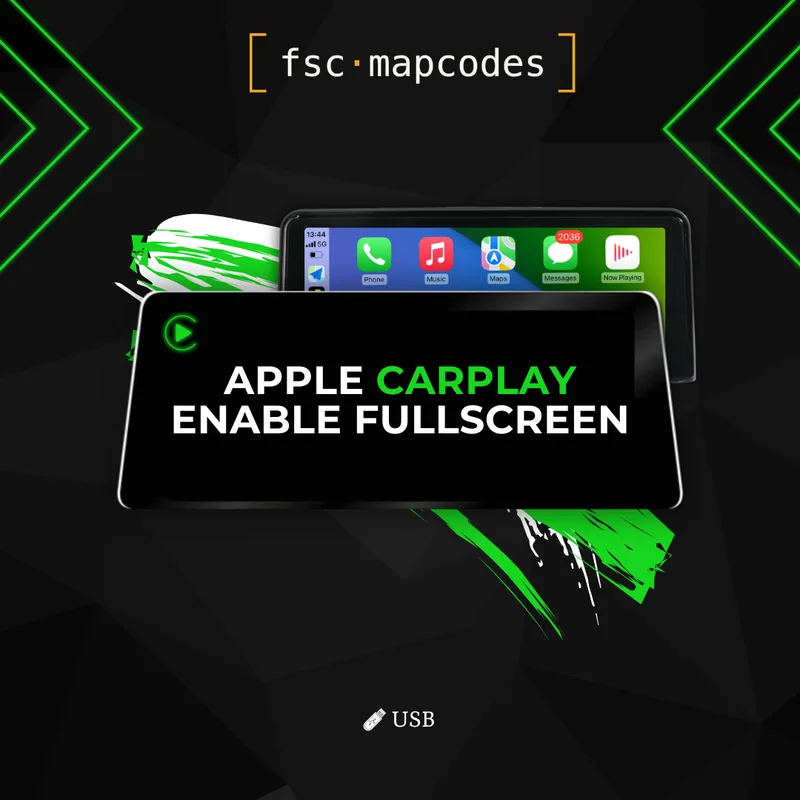
Get the most out of your factory iDrive with this Apple CarPlay fullscreen add-on for BMW and MINI EVO ID5 / ID6, applied through the easiest coding method available — USB. By default, CarPlay on these head units runs in a cramped split-screen layout, with your apps sharing the display with BMW's standard side widgets. This coding upgrade flips that on its head: your CarPlay apps take over the entire iDrive display, giving Apple Maps, Google Maps, Waze, Spotify, Apple Music, and every other CarPlay-compatible app the room they were designed to use.
What's included with your add-on:
Permanent fullscreen CarPlay activation tied to your VIN
Detailed, step-by-step USB coding instructions suitable for first-timers
Please note: this add-on assumes Apple CarPlay is already activated on your iDrive. If CarPlay isn't yet enabled on your car, you can either start with our standard CarPlay activation product first, or bundle it together with this fullscreen upgrade in the same order — this listing on its own only changes the display layout from split-screen to fullscreen, it does not add CarPlay itself.
Why USB coding? USB coding is the simplest way to apply the fullscreen tweak — no ENET cable, no Windows laptop, just a USB stick prepared with the files we provide. The catch is firmware compatibility. On EVO ID5 and ID6 head units, USB coding works on older firmware revisions only. From firmware 18-11 onwards, BMW removed USB coding support, so newer iDrives can only be modified through ENET cable coding. If your car is running an older revision, this listing is the quickest route in. If you're on 18-11 or newer, you'll need our cable-coded fullscreen add-on instead. The VIN decoder will tell you exactly which firmware your car is on.
What changes after coding: The split-screen CarPlay layout is replaced with a true fullscreen interface. Maps fill the display end-to-end, album art and now-playing controls get the space they deserve, and CarPlay apps look the way Apple originally designed them — clean, uncluttered, and far easier to glance at while driving. Nothing else about your iDrive is altered: switch out of CarPlay and your factory menus, navigation, and widgets all behave exactly as before.
For step-by-step guidance on checking compatibility and preparing your car, visit our FAQ section.
Wasn’t hard at all. Took like 5 mins and the install was easy. Great pricing.
Simple install flow, works es expected.
Worked fine for 320i 2018 Sport GP Plus
Very fast and convenient
Funciona perfeitamente , e as instruções são fácil de se entender ! Comprado para a f30 no Brasil
Really great and fast service! Easy to setup!